Scope ProScope HR Manuale Utente Pagina 15

  • Scaricare
  • Aggiungi ai miei manuali
  • Stampa
  • Pagina
    / 18
  • Indice
  • SEGNALIBRI
  • Valutato. / 5. Basato su recensioni clienti
Vedere la pagina 14
Software
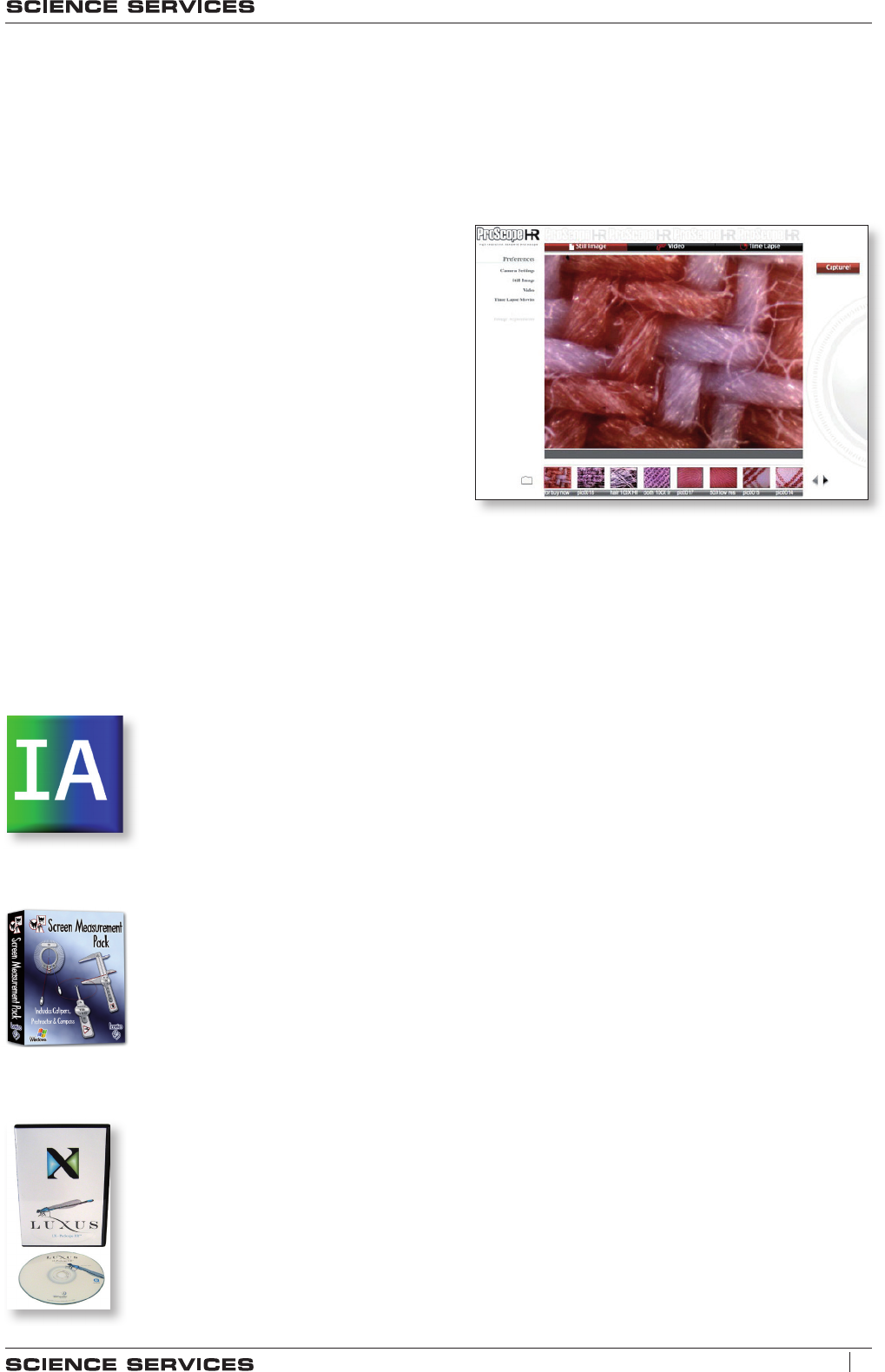
Every ProScope is shipped with the standard ProScope software for Mac OS X and Win-
dows XP (and newer versions of these operating systems). Free updates are available
as downloads on the internet. Features include:
▪ Switch to any of three resolution settings:
ProScope HR:
320 x 240, 640 x 480, 1280 x 1024
ProScope HR2:
320 x 240, 640 x 480, 1280 x 1024, 1600 x 1200
▪ Show live images
▪ Still image capture
▪ Video capture
▪ Time lapse capture
▪ LED intensity control (HR2 only)
▪ Preview captured images
▪ Site license for use on your local network
▪ Standard image files can be saved in any folder
Optional Measurement Software
Image Analyzer - Windows Only
(Win. XP SP2 and up)
ImageAnalyzer is a powerful multi-featured program designed to work
with your original ProScope. Measurements, grids, powerful image
enhancement tools and screen capture with voice-over are just a few
of its many features.
Screen Measurement Tools
(Mac and Windows)
Screen Calipers, Screen Compass and Screen Protractor
are unique on-screen measurement tools that let you measure
anything on your computer screen with ultimate accuracy.
LX-PROSCOPE HR
(Windows XP SP2/Vista and up / Mac OS X 10.4.8 and up)
Capture stills, video, time lapse, perform detailed measurement, and an-
notate your still images with this elegant and sophisticated interface.
Screenshot - ProScope-Software
13
T: +49 (0)89 15 980 280 - [email protected] - www.ScienceServices.eu
Please find our current prices at: www.ScienceServices.eu
Vedere la pagina 14
1 2 ... 10 11 12 13 14 15 16 17 18

Commenti su questo manuale

Nessun commento